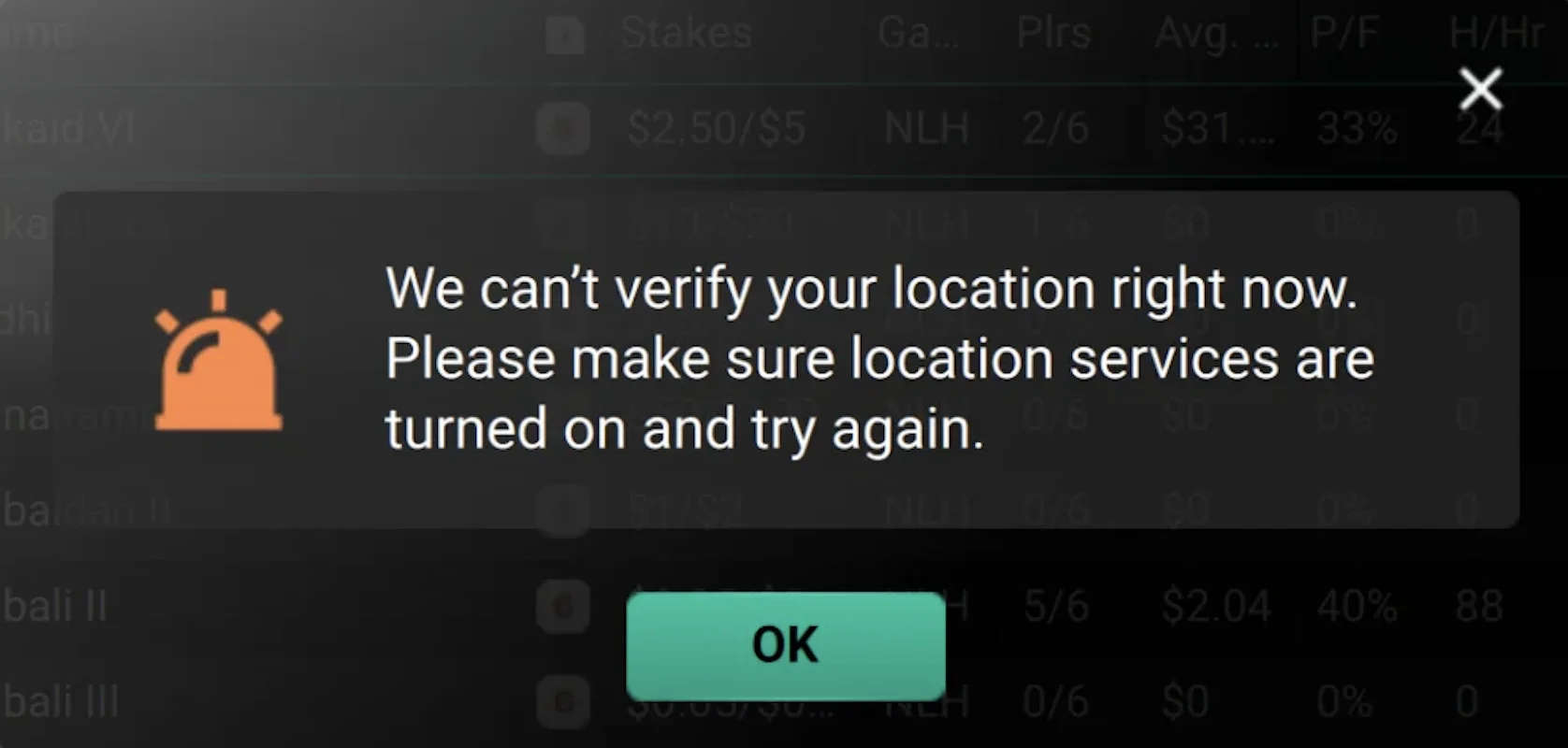
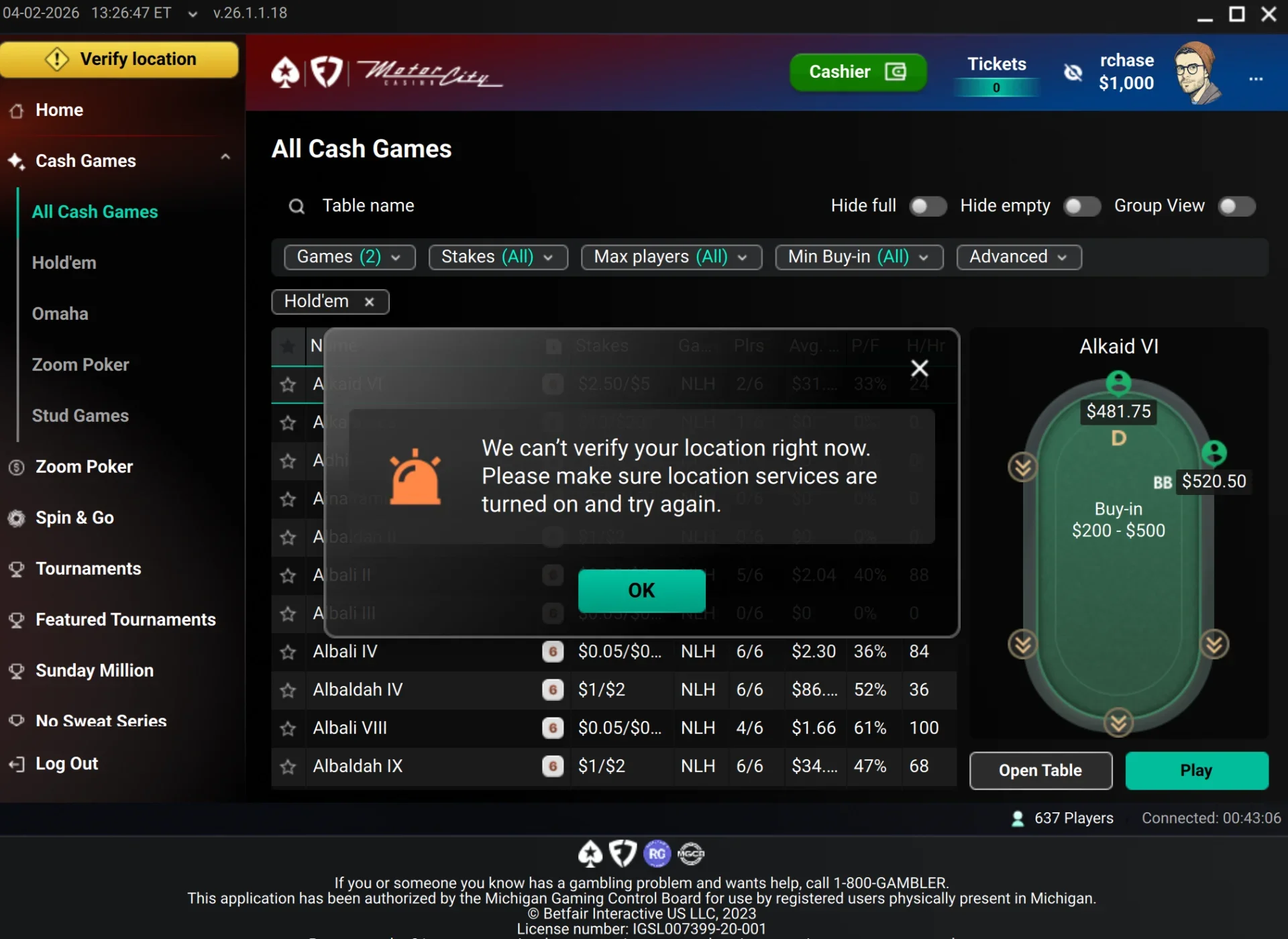
In this guide I'll show you how to fix this error "We can't verify your location right now. Please make sure location services are turned on and try again." in FanDuel PokerStars
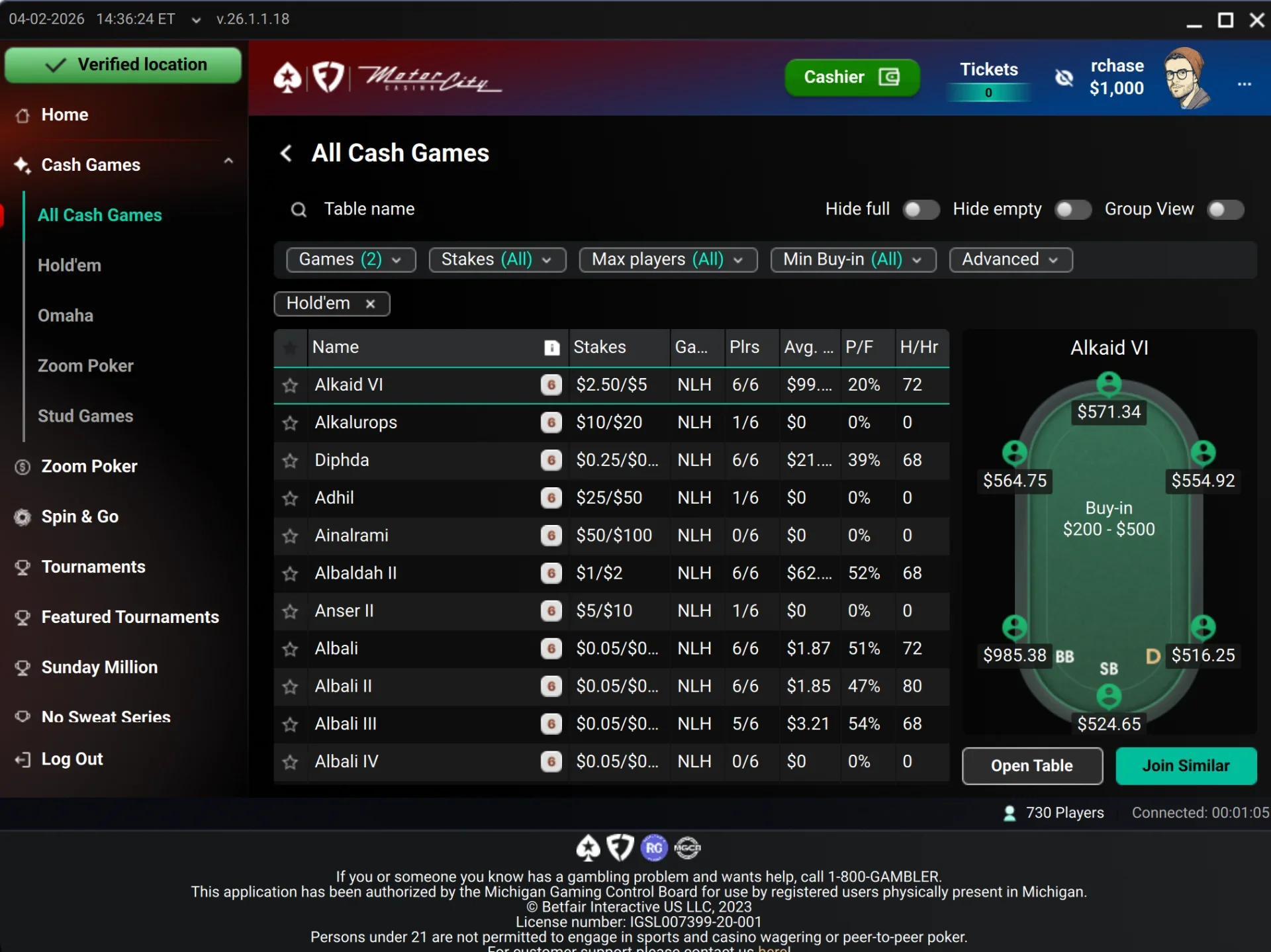
So it will look like this when done
Basic Troubleshooting
I'm assuming you've done the basic troubleshooting of making sure your IP is in the state it needs to be in, and VPN is disabled https://support.fanduel.com/s/article/Location-Troubleshooting-Tips
Install GeoComply
Download and install the GeoComply plugin per this article, it may be different per state so double check you have the right download link https://support.fanduel.com/s/article/Where-Can-I-Download-the-GeoComply-Plugin
Configure FanDuel Chrome Permissions
Log in at https://sportsbook.fanduel.com/
Then click this settings icon in the URL bar of Chrome

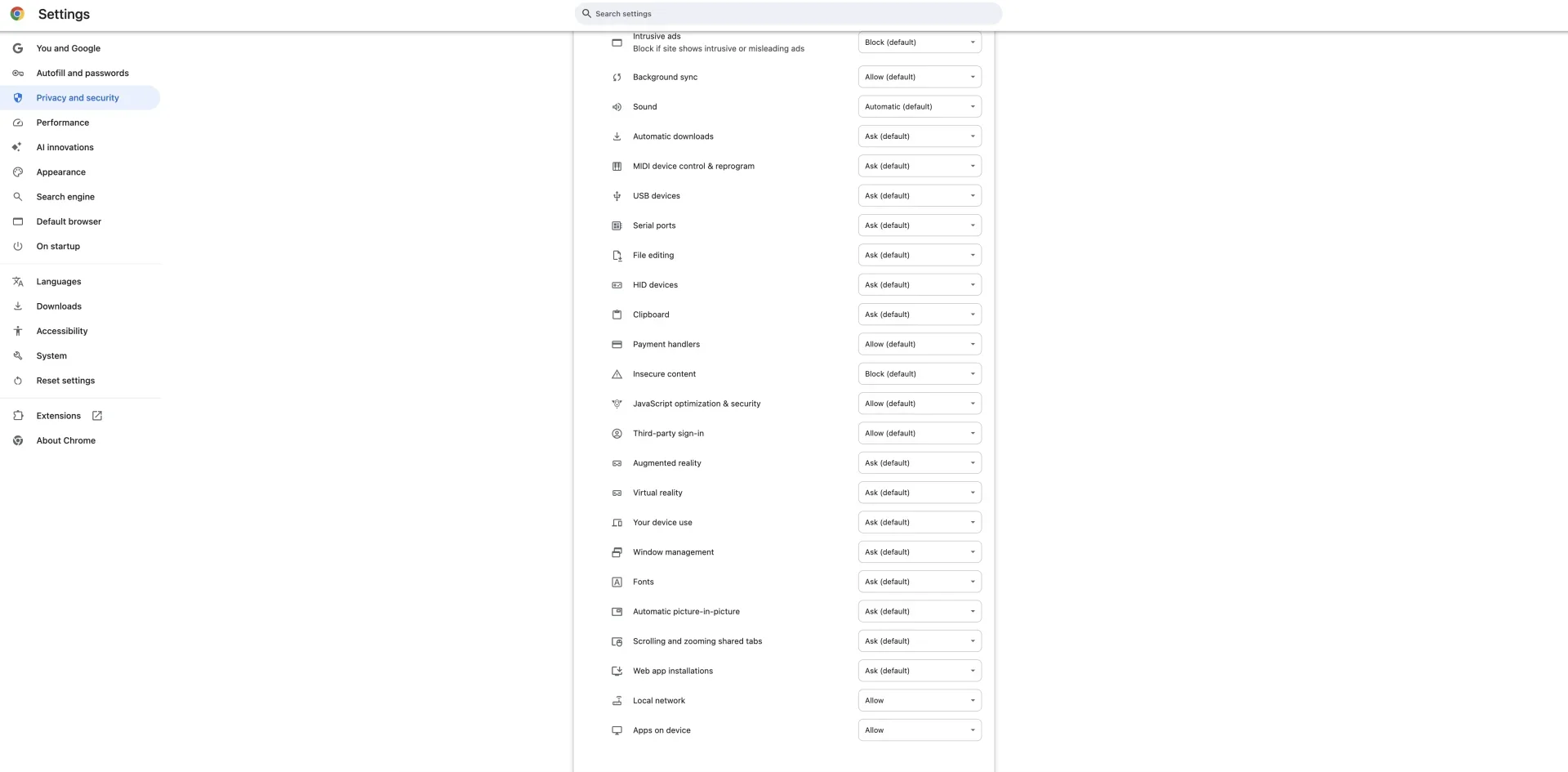
At the bottom set "Local network" and "Apps on device" to Allow
Remove Remote Access Software
Now go back to https://sportsbook.fanduel.com
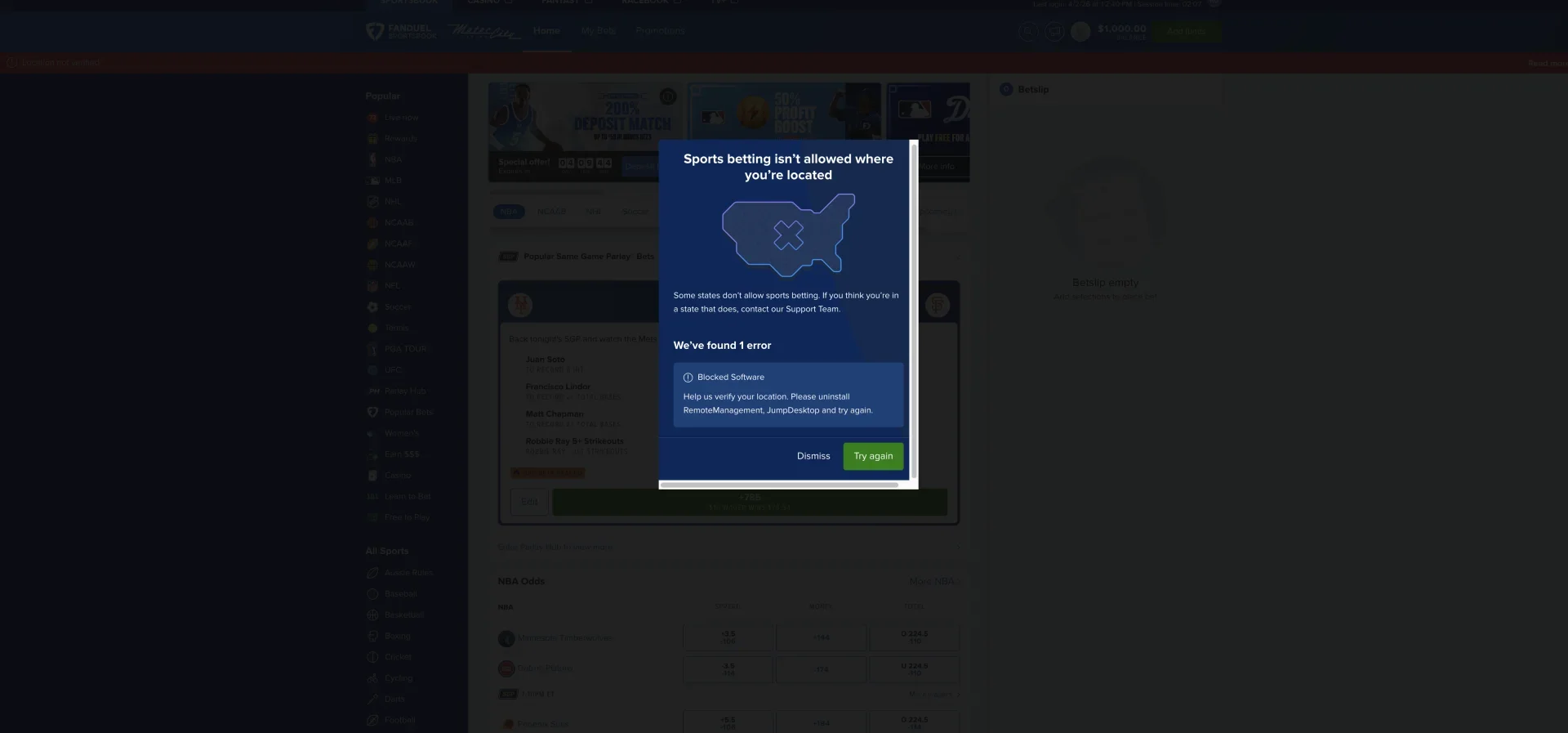
You can see an error that I have some other programs I need to remove now
I deleted JumpDesktop and disabled RemoteManagement on my MacBook
Full Reboot
Next do a full reboot of the MacBook or PC
After that location verification should work
Get Support
If this didn't work for you or you have more instructions I should add please let me know, hit the chat bubble bottom right corner or email support@handhistory.com