FanDuel PokerStars Hand History
Here's how to export hand history on macOS and Windows. For mobile clients you need to use the app export and get a download link.
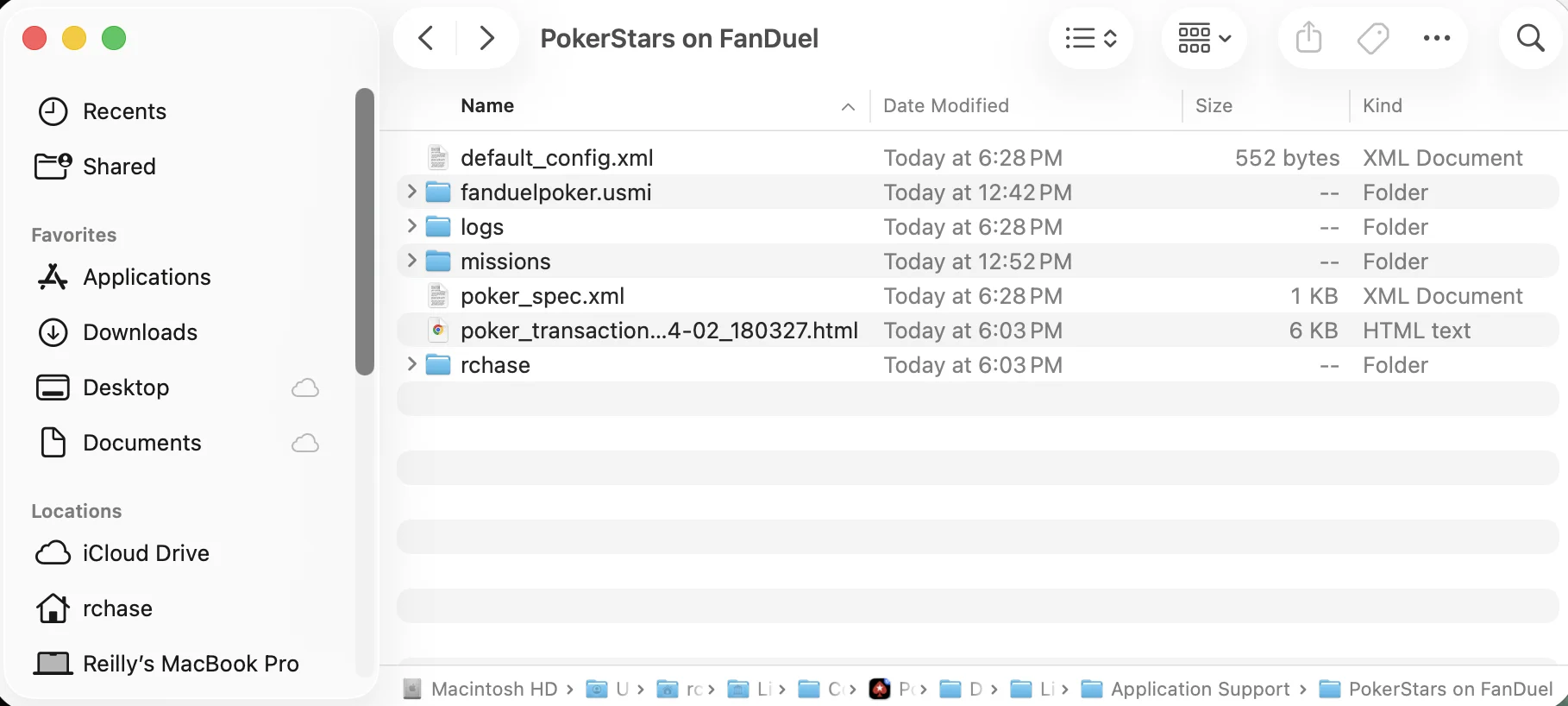
Find Hand History on macOS
- Open Finder
Press these three keys at the same time: Command (⌘) + Shift + G
- A small box will pop up asking "Go to the folder:"
Copy and paste this exactly into that box:
- ~/Library/Containers/PokerStars on FanDuel/Data/Library/Application Support/PokerStars on FanDuel
- Press Enter (or click "Go")
- The hand history XML files are located under your PokerStars username > History > Data
Find Hand History on Windows
- Open File Explorer (click the folder icon on your taskbar, or press Windows key + E)
- Click in the address bar at the top (where it shows the folder path)
Copy and paste this path:
- %LOCALAPPDATA%\PokerStars on FanDuel
- Press Enter
- The hand history XML files are located under your PokerStars username > History > Data